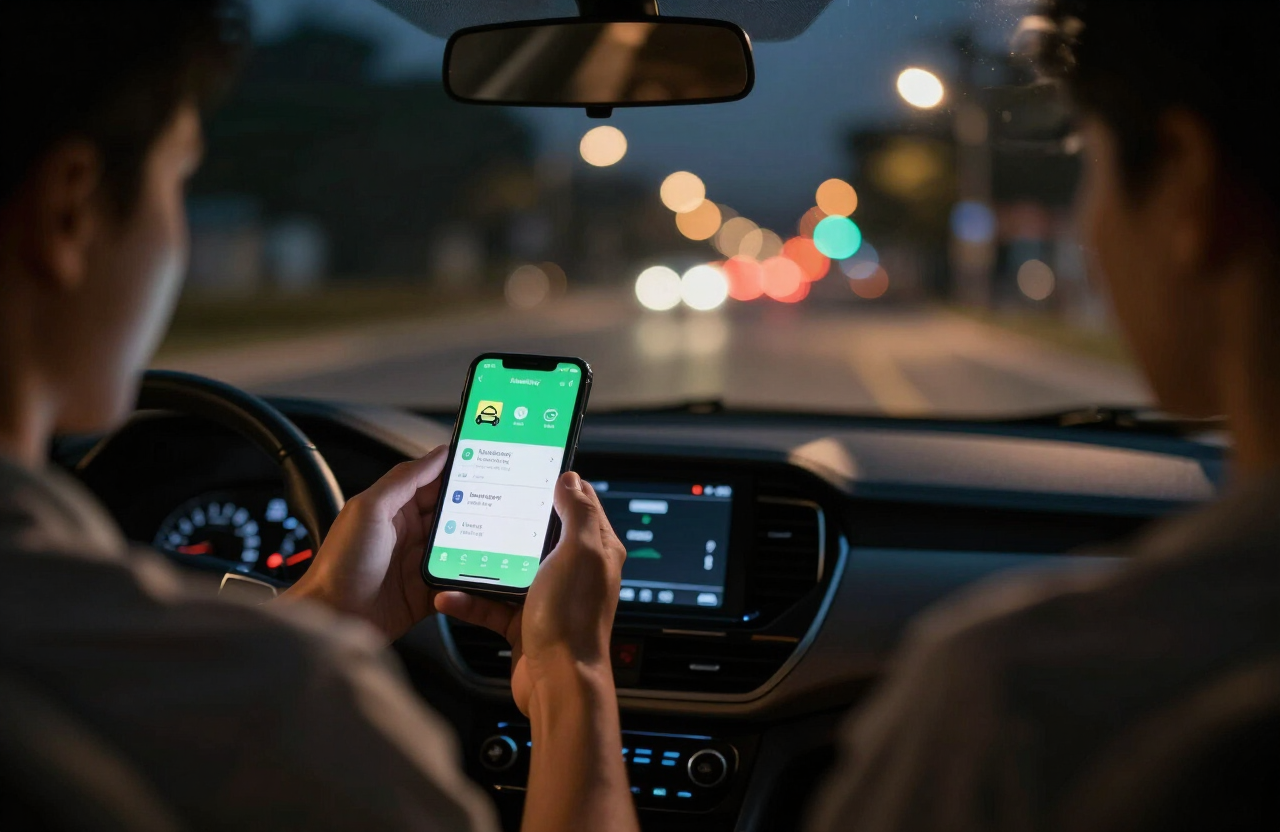
Running more than one delivery app at the same time, known as multi-apping, is one of the most common ways drivers try to cut down on idle time and earn more per hour. But more orders do not automatically mean more money. Every app pays differently, sends you different distances and burns a different amount of fuel. The only way to know which app is actually worth your hours is to compare them on net hourly pay, not on the payout you see in the app.
This guide shows you how to do that comparison with the free GigEarn delivery earnings calculator, which works out your true take-home per hour for DoorDash, Instacart and Amazon Flex after fuel and vehicle wear-and-tear.
What is multi-apping?
Multi-apping means keeping two or more gig apps open so that when one is quiet, another can send you an order. A DoorDash driver might also run Instacart during slow afternoons, or fit Amazon Flex delivery blocks around evening food orders. Because you work as an independent contractor rather than an employee, you choose when and where you work, and which apps you use.
The upside is less time waiting and more chances to pick the best offer. The downside is that your income gets spread across several apps with different payout formats, which makes it hard to see what each one really pays once your own costs are taken out.
Which apps can you combine in your country?
Not every platform operates everywhere. Before planning a multi-app strategy, check which of the three apps are available where you drive:
| Country | DoorDash | Instacart | Amazon Flex | Apps to combine |
|---|---|---|---|---|
| United States | Yes | Yes | Yes | All three |
| Canada | Yes | Yes | Yes | All three |
| United Kingdom | No | No | Yes | Amazon Flex only |
| Australia | Yes | No | Yes | DoorDash + Flex |
| New Zealand | Yes | No | No | DoorDash only |
If you drive in New Zealand or the UK, multi-apping within these three platforms is limited, but you can still use the calculator to measure your true hourly pay on the app you do use.
Why gross pay is the wrong number to compare
The weekly total an app shows you is what it paid you, not what you kept. Every mile you drive costs money in fuel and in wear on your tyres, brakes and engine. An app that pays a little more per order but sends you twice as far can easily leave you with less per hour.
Here is a real example from the GigEarn calculator. A US DoorDash driver who works 40 hours, drives 700 miles and receives $1,100 in weekly payouts ends up with about $494 in net profit, which works out to roughly $12.36 per hour. That is less than half of the $27.50 per hour the gross numbers suggest. Distance is what makes the difference.
How to compare your apps with GigEarn
The calculator measures one app at a time, which is exactly what you need for a fair comparison. For each app, run it separately using only that app’s numbers:
- Open the GigEarn calculator and choose your country.
- Select the app you want to measure: DoorDash, Instacart or Amazon Flex.
- Enter the hours you spent on that app last week, the miles you drove for it, your weekly payout from it and your local fuel price.
- Note the net hourly figure, then repeat for your other apps.
When an order overlaps two apps, split the hours and miles as fairly as you can. The goal is not perfect accounting but a clear picture of which app earns more for every hour and mile you give it.
Reading the results
Suppose your DoorDash week comes out at $12 per hour and your Instacart week at $15 per hour because the orders are larger and the trips shorter. That gap tells you something useful: shifting a few of your slow DoorDash hours to Instacart could raise your weekly income without working any longer. These figures are only an illustration; your own numbers depend on your market, your car and your hours.
Practical tips for multi-apping
- Track each app separately. Keep a simple weekly note of hours online, miles driven and payout for every app. Without this, you cannot compare them.
- Count every mile. Include the miles you drive between orders and back to busy areas. These unpaid miles are often what separates a good app from a bad one.
- Only accept what you can deliver on time. Taking two orders at once only works when both routes fit. Late deliveries can hurt your ratings and your access to better offers.
- Plan around Amazon Flex blocks. Flex works in scheduled blocks with set delivery windows, so fit food and grocery apps into the time before and after a block, not during it.
- Read each platform’s rules. Each app has its own terms for contractors. Check them so that multi-apping does not put your account at risk.
- Review every week. Run your numbers through the calculator weekly and move your hours toward the app that pays you most per hour after costs.
Don’t forget taxes
GigEarn subtracts fuel and vehicle wear-and-tear, but not taxes. As an independent contractor you are responsible for your own tax, so set money aside from every week’s net profit.
United States: self-employment tax is 15.3% of net earnings, on top of income tax. You can usually deduct your business driving using the IRS standard mileage rate. For 2026 the IRS raised that rate mid-year: 72.5 cents per mile for miles driven from January 1 to June 30, and 76 cents per mile from July 1 to December 31. Keep a dated mileage log so you can apply the correct rate to each half of the year.
Canada, UK, Australia and New Zealand: you report gig income as self-employment income. Our FreelanceEarn self-employed tax calculator estimates what you will owe in each of these four countries.
Frequently asked questions
Is multi-apping allowed?
As an independent contractor you generally decide which apps you work with, but each platform sets its own terms. Read them, and make sure running a second app never makes you late on an order you have already accepted.
Can GigEarn add up all my apps at once?
No. The calculator works out net hourly pay for one app at a time. Run each app separately and add the weekly net profit figures together to see your total take-home.
Which app pays the most?
It depends on your city, the time of day and how far each app sends you. That is why measuring your own numbers beats relying on averages from other drivers.
Does the calculator include taxes?
No. It removes fuel and vehicle wear-and-tear from your payout. Taxes depend on your total income and your country, so budget for them separately.
Find out what each app really pays you
Multi-apping only pays off when your hours go to the app that leaves the most money in your pocket. Take two minutes to run last week’s numbers for each app through the free GigEarn calculator and see where your time is best spent.
Compare your apps on real net hourly pay
Run last week’s numbers for each app through the Gigearn calculator to see which one pays you most per hour after fuel and vehicle wear-and-tear.
This article is general information from Gigearn, an independent tool that is not affiliated with or endorsed by DoorDash, Instacart, Amazon Flex, Uber or Lyft. Earnings vary widely by market, hours, and expenses — always confirm figures in your own driver app. Nothing here is financial, tax, or legal advice.